

UPDATE: Ouch, a tvOS/HomePod 27 bug breaks the automation. Sounds like a fix is coming in 27.2.
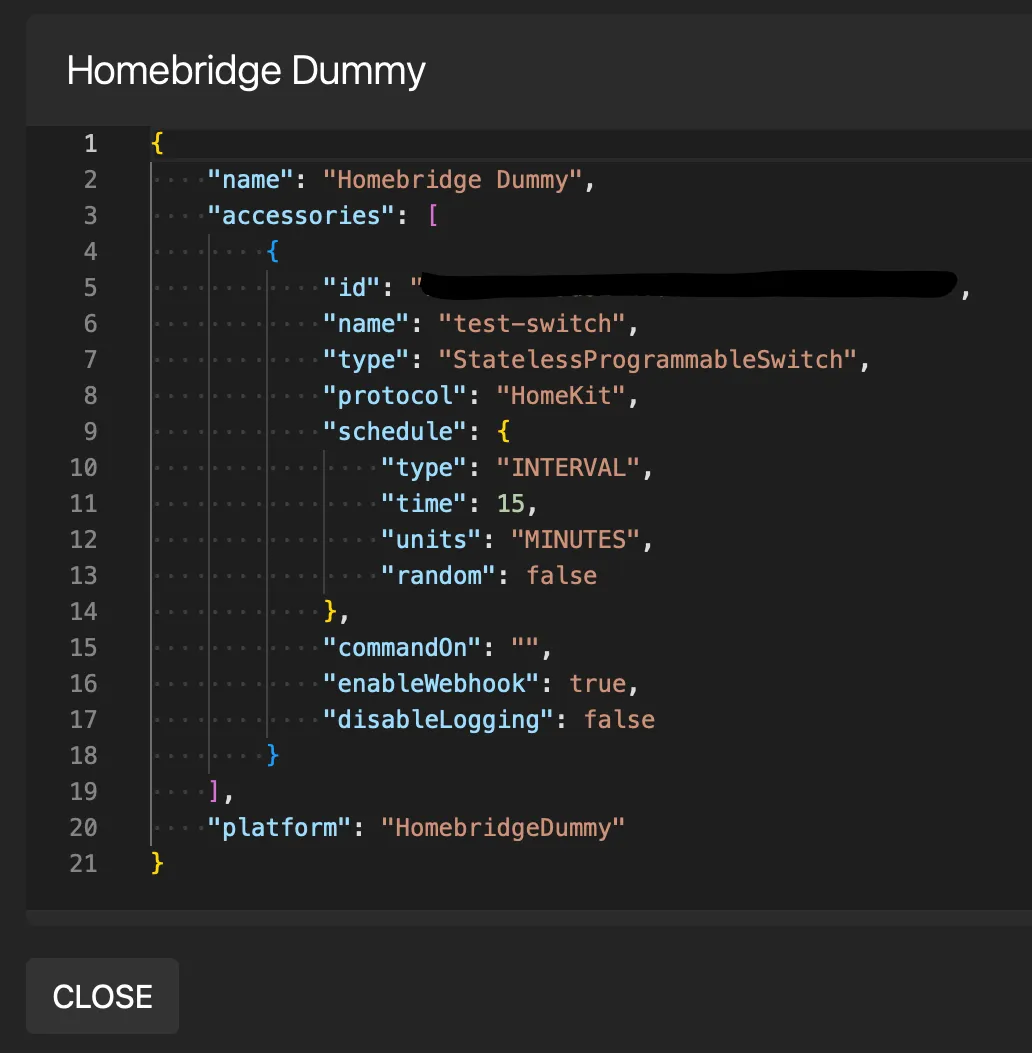
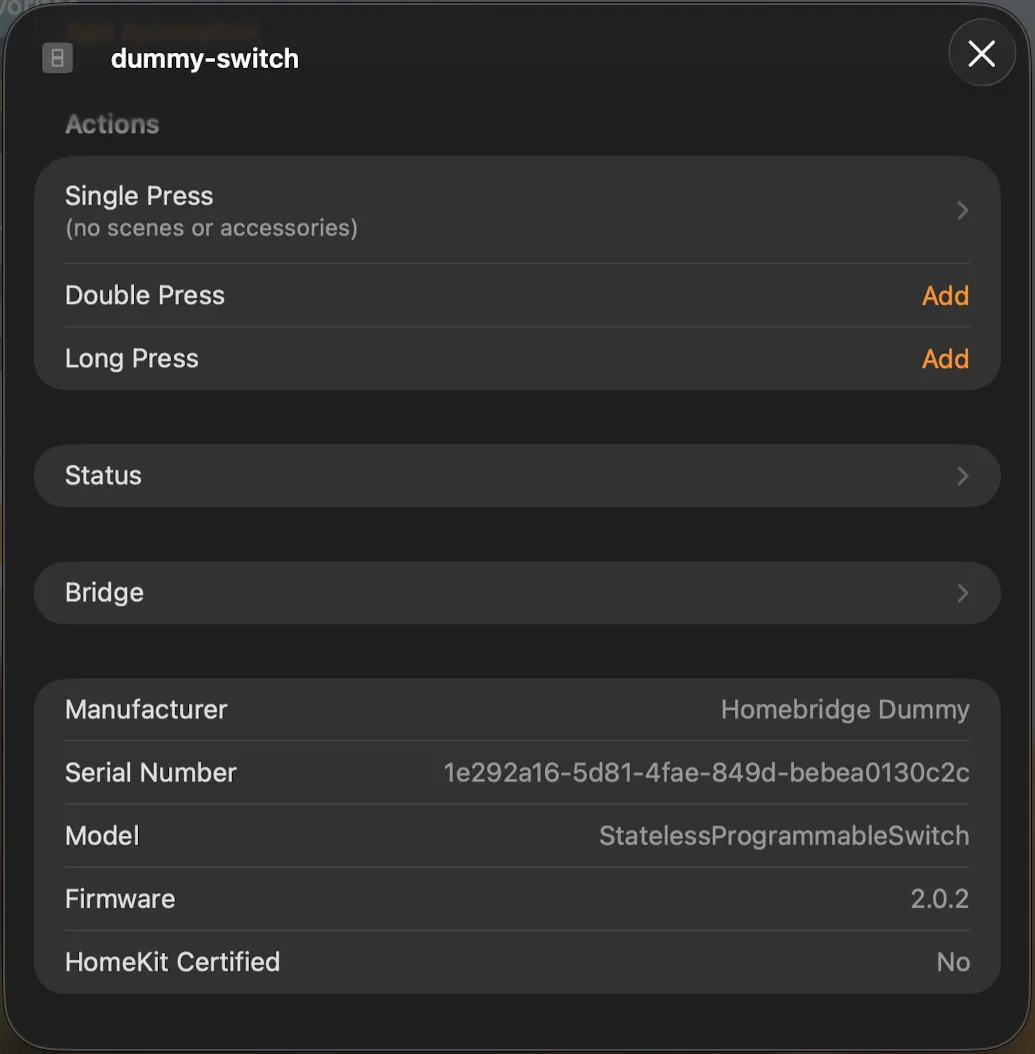
Homebridge is an open-source, virtual HomeKit bridge that runs on inexpensive hardware (I’m using a Raspberry Pi). With it, non-HomeKit devices can be added to, and controlled by, Apple Home. homebridge-dummy is a Homebridge plugin providing virtual switches and other fake “devices” that can trigger or extend HomeKit automations.
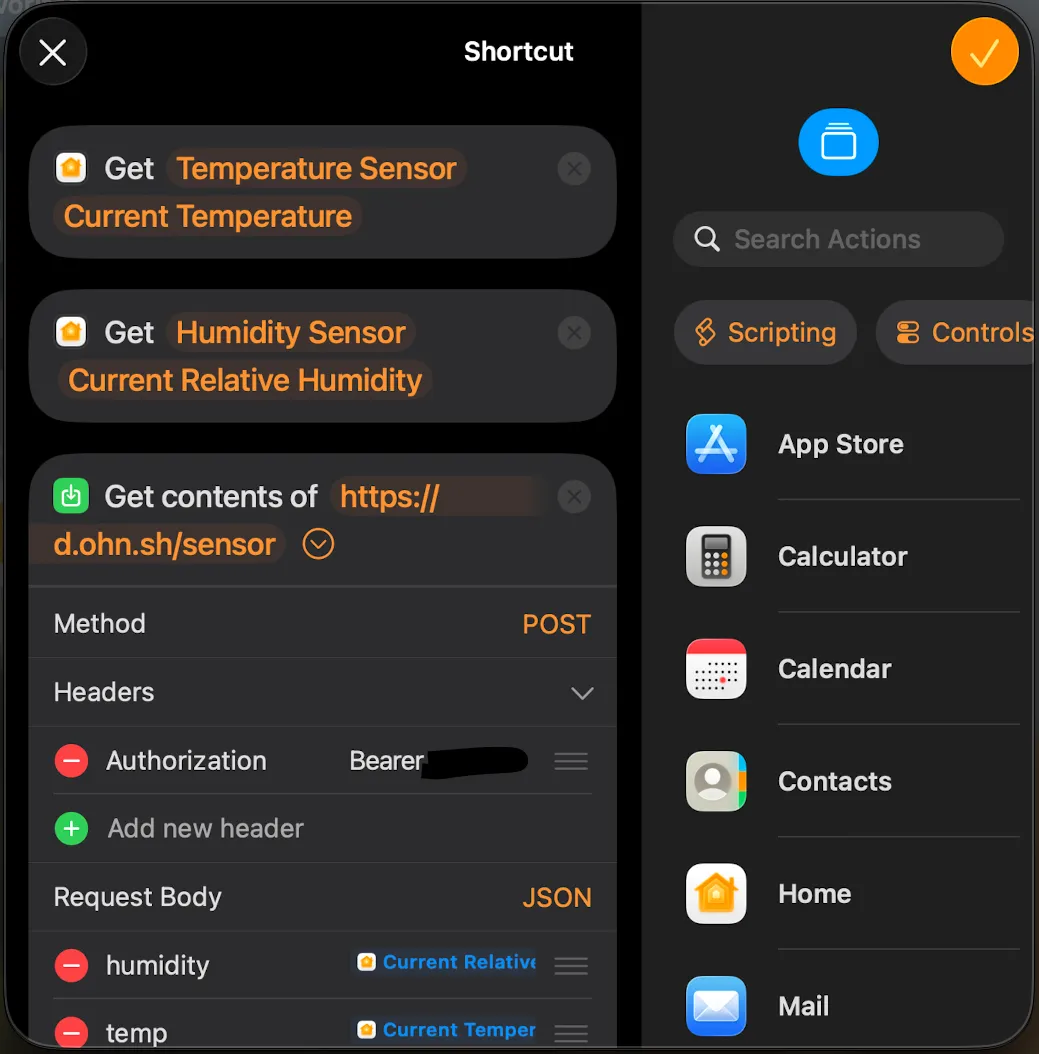
As a demo, I’m using this setup to push sensor readings from my HomePods to a database that powers live charts on dash.ohn.sh. Readings are taken every 15 minutes in response to the virtual switch being “pressed.” The automation takes the form of a Shortcut that uses the built-in “Get Contents of URL” action to send the data to dashd, my custom backend.