

Using a fake HomeKit switch to automate capturing real sensor data
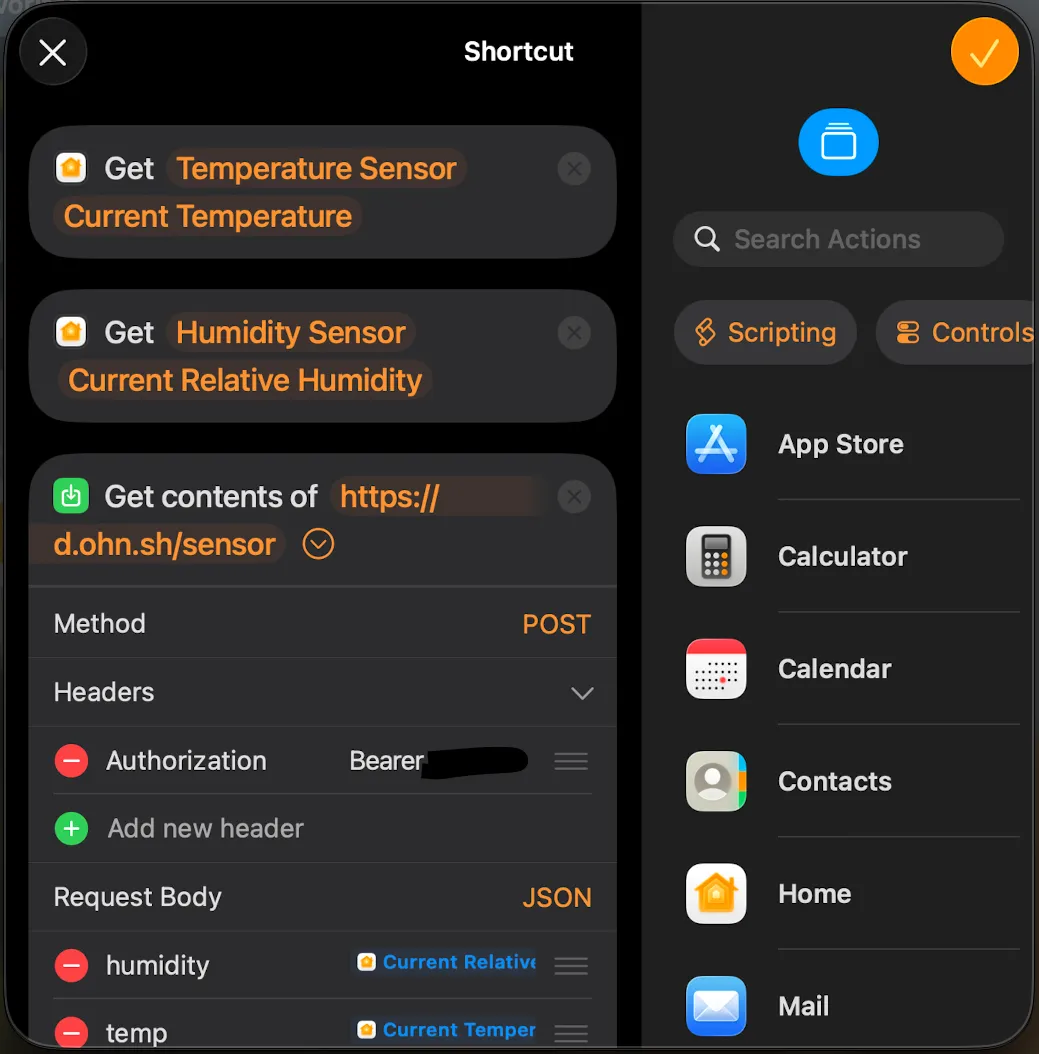
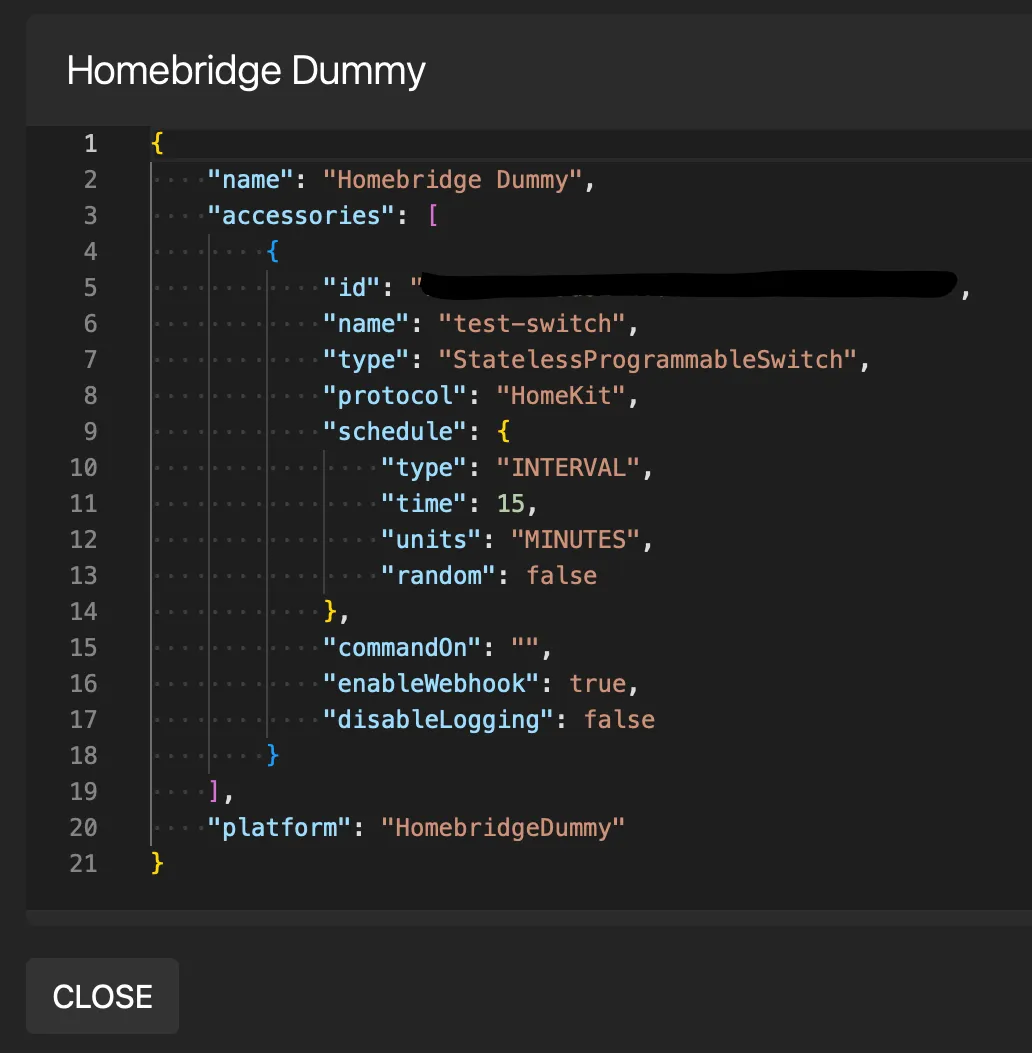
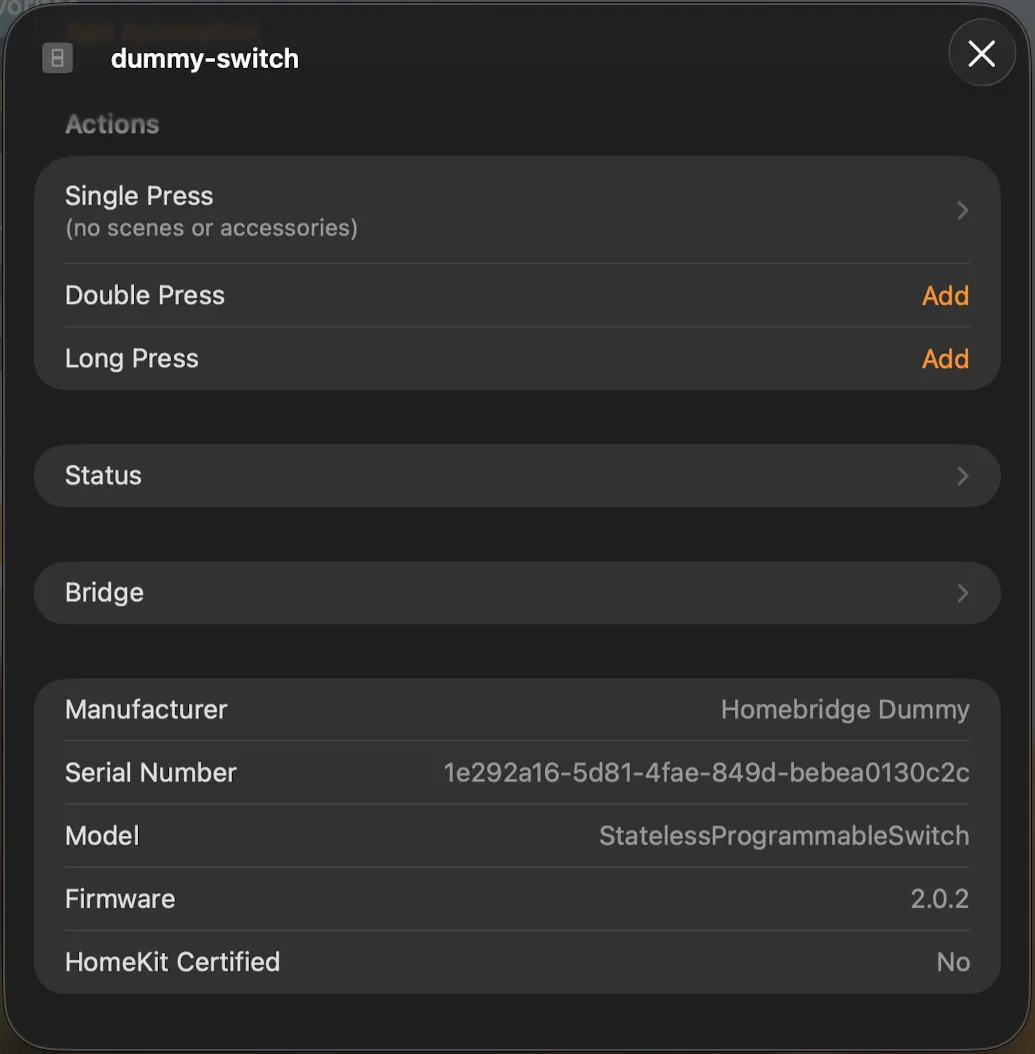
UPDATE: Ouch, a tvOS/HomePod 27 bug breaks the automation. Sounds like a fix is coming in 27.2.
Git Commits
days commits 5
ohnsh/days-
4:30 pm — John Sherrell <dev@ohn.sh>
CE
-
2:37 pm — John Sherrell <dev@ohn.sh>
Minor post edit.
-
11:17 am — John Sherrell <dev@ohn.sh>
Remove Latest Streams section from /latest (default route). The component was pointing to YouTube live streams, which are getting stale.
-
11:07 am — John Sherrell <dev@ohn.sh>
Edit title of latest post and change to sentence-case to be consistent with other recent posts.
-
11:00 am — John Sherrell <dev@ohn.sh>
New post about homebridge/homekit automation to capture sensor data on schedule. Created a bare-bones Slideshow.astro component that uses Alpine.js for reactive state. Installed Astro Alpine integration. Bumped dependencies.
dash commits 5
ohnsh/dash-
9:50 pm — John Sherrell <dev@ohn.sh>
next: social icon accessibility tweaks. Descriptive text now in a[aria-label], with the generic icon description in svg > title (ignored inside of aforementioned links).
-
7:13 pm — John Sherrell <dev@ohn.sh>
next: Tweak new icons.
-
6:31 pm — John Sherrell <dev@ohn.sh>
next: Add GitHub icon and link to project repository to sidebar.
-
5:57 pm — John Sherrell <dev@ohn.sh>
next: move my global styles into tailwind's base layer so they can be overridden by tailwind utilities.
-
5:48 pm — John Sherrell <dev@ohn.sh>
next: Add YouTube link to sidebar using Feather YouTube icon. Tweak global CSS so that global link style (accent color, underline) does not apply to links that contain an <svg>.